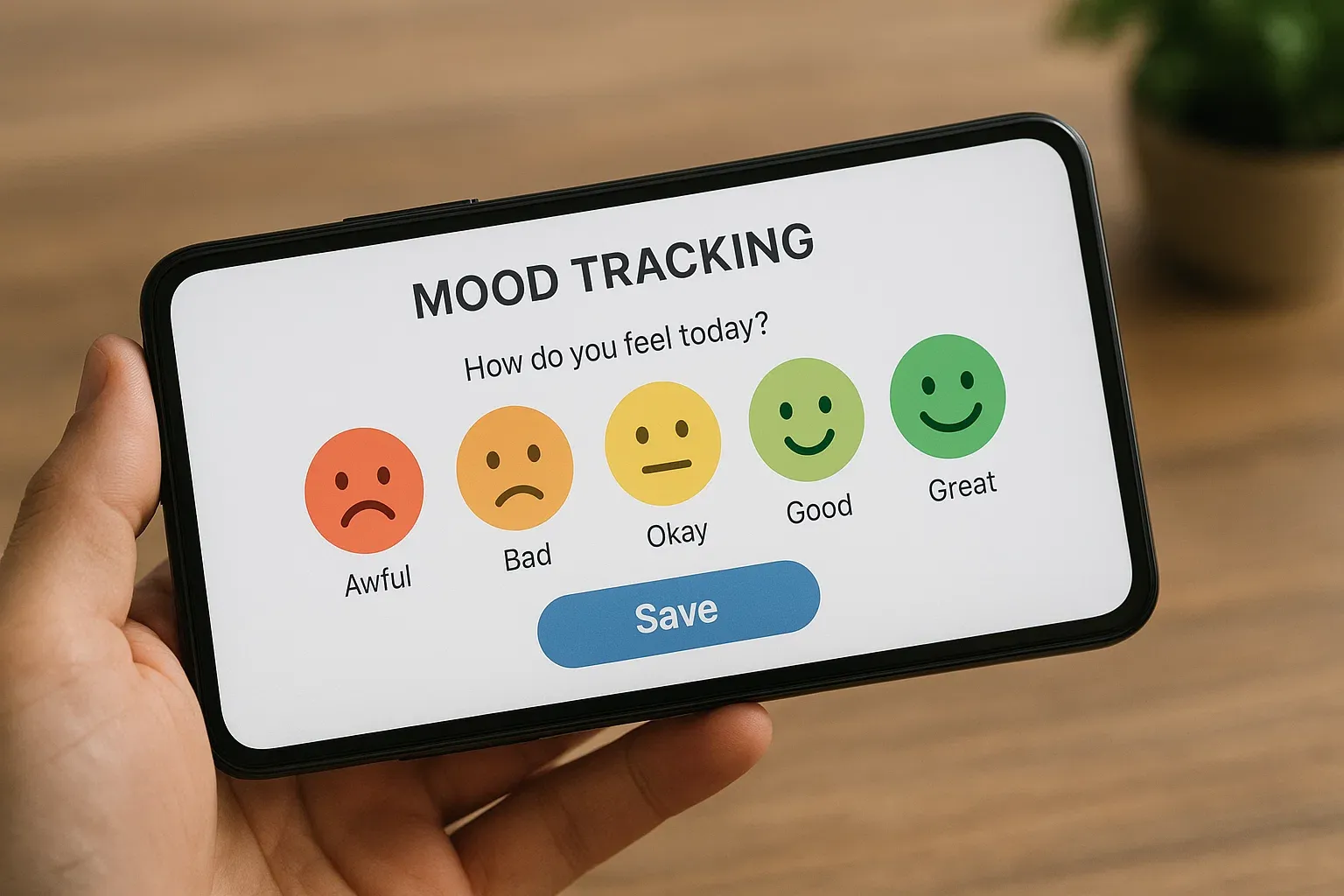

How to make a mood tracker in 10 minutes, on paper, in Google Sheets or in Notion, with what to track, step-by-step setup, and how to read your patterns.
WTMF Team
You don't need an app or a pretty bullet journal to start. If you're wondering how to make a mood tracker, it comes down to three choices: what to record, what scale to use, and where to keep it. You can set up any of the versions below in about 10 minutes. The hard part is keeping it simple enough that you still use it on a bad day.
The most common mistake is tracking too much. Start with this and add nothing for two weeks:
That word matters more than it looks. In a randomized trial with young people who had mild or worse depressive symptoms, tracking mood and stress raised emotional self-awareness, and that rise predicted fewer depressive symptoms. A number tells you how the day went. A word starts to tell you why. If you get stuck, use our list of emotions sorted by intensity.
Curious about something specific? Add one extra column after two weeks, such as sleep hours, caffeine, exercise or time with people. One at a time, so you can actually see what it does.
Paper is the fastest way to start, and it's completely private as long as the notebook stays with you. Pick one layout:
Draw a grid with 12 columns for months and 31 rows for days, then fill in one tiny square each day. Over time you get a single-page color map of your year. It's a good choice if you like seeing the big picture and don't want to write much.
Draw a chart with days along the bottom and 1 to 5 up the side, then plot a dot each day and connect them. This makes ups and downs really easy to see, and it's handy for spotting a slow slide over a few weeks.
A spreadsheet is free, works on your phone, and draws the chart for you. Excel has equivalent tools if you prefer it.
Now each entry takes seconds: type a number, pick a word, and the color and chart update themselves.
Notion suits you if you already live there.
Your mood now sits on a calendar, so you can see the shape of a month at a glance.
| Option | Best if you... | Watch out for |
|---|---|---|
| Paper | Like writing by hand and want total privacy | Easy to forget when you're away from it; no automatic charts |
| Google Sheets | Like data and want free charts | Slightly fiddly on a phone |
| Notion | Already use it every day | Takes longer to set up; easy to over-design |
| App | Want the fastest possible check-in | Check how your data is stored before you commit |
If you'd rather skip the setup, we compared the best mood tracker apps, including free options.
A tracker only helps if you look at it. A 2018 study of a mood-diary app found that people who engaged with it more saw their depression and anxiety scores fall over 30 days, though it had no control group. So give yourself five minutes a week and ask:
Our beginner's guide to mood tracking has more on building the habit, and this mood-tracking guide for anxiety goes deeper if worry is your main theme. If your rating drops every Sunday, you may recognize the Sunday scaries.
Most trackers die in week two. A few things help:
Your tracker isn't a diagnosis, but it can show when it's time to talk to someone. NIMH advises seeking professional help if you have severe or distressing symptoms that have lasted two weeks or more. A few weeks of notes can also make that first appointment easier, since you'll have dates and patterns to point to rather than relying on memory.
If you're tracking a diagnosed condition, ask your clinician what they'd like you to record. For bipolar disorder, Bipolar UK offers a printable mood diary template that can help you spot early warning signs of an episode.
If a DIY tracker keeps falling off your radar, mood tracking in WTMF does the same job in two taps. You pick a mood, add a note if you want, and get calendar and chart views across 7, 30 or 90 days, with no setup. Check-ins are free.
Whichever you choose, start tonight with one number and one word. That's a mood tracker.
Keep it small: the date, a rating from 1 to 5, one word for how you feel, and a short reason if you know it. Add one extra like sleep hours only if you're curious about it. A tracker you can finish in 30 seconds is one you'll keep using.
Draw a grid with one square per day, choose five colors for a 1-to-5 mood scale, and put the color key at the top of the page. Each evening, fill in that day's square. For more detail, add a line of notes beside each week.
A couple of weeks is usually enough to start spotting patterns, and a month or two gives you a much clearer picture. Reviewing your tracker for five minutes each week matters as much as logging every day.
A DIY tracker gives you full control and costs nothing. An app is quicker to fill in and draws your charts for you. If you've tried paper or spreadsheets and stopped after a week, an app with a two-tap check-in may be easier to stick with.